

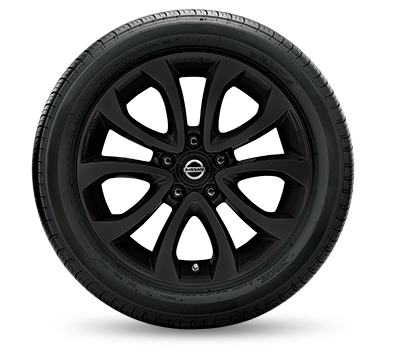
The NissanConnect Services app can check tire conditions of a vehicle equipped with the necessary sensors and technology. The app uses the built-in Tire Pressure Monitoring System (TPMS) sensors that are installed in each tire to read the tire pressure and temperature data.
Here are the steps to check tire conditions using the NissanConnect Services app:
- Download and install the NissanConnect Services app on your smartphone and login to your account.
- Select your vehicle from the list of registered vehicles.
- Click on the “Remote Services” tab located at the bottom of the screen.
- Scroll down to the “Vehicle Information” section and click on “Tire Pressure”.
- The app will display the current tire pressure readings for each tire on your vehicle.
- You can also view other important information related to your tires, such as the recommended tire pressure for your vehicle, tire size, and tire wear indicators.
If the tire pressure readings appear low, the app will prompt you to check and inflate the tires to the recommended pressure levels. Additionally, the app can alert you if there is a significant drop in tire pressure or if any other issues are detected with the tires, such as excessive wear or damage.
In summary, the NissanConnect Services app uses the TPMS sensors in the tires to read and display tire pressure and temperature data, allowing drivers to monitor their tire conditions and maintain optimal tire performance.
Connect with us


Recent Blog Entries
- Passport Nissan MD’s Guide to Maintaining Your Nissan
- Mastering the Art of Remote Start: A Comprehensive Guide from Passport Nissan MD
- Mastering Voice Commands in Your Nissan – Unlocking the Power of Hands-Free Control
- Why buy Nissan Certified Pre-Owned from Passport Nissan MD
- Routine Maintenance from Passport Nissan MD Keeps Your Vehicle Performing at Its Best